
Image Processing
Professional photos, optimised automatically-capture, process, and upload in seconds
Book a DemoKey Benefits
Native Camera Access
Use device camera with full control over quality, format, and capture options
Automatic Optimisation
Images are automatically resized and compressed for efficient storage and transmission
EXIF Metadata
Location, timestamp, and orientation data automatically captured with every photo
Gallery Import
Select existing photos from device gallery when camera capture isn't available
Fast Processing
Image optimisation happens in the background without blocking the user
Memory Efficient
Intelligent image caching ensures the app remains responsive even with many photos
Batch Operations
Process and upload multiple images efficiently in sequence
Quality Assurance
Automatic image quality validation ensures usable photos before submission
How It Works
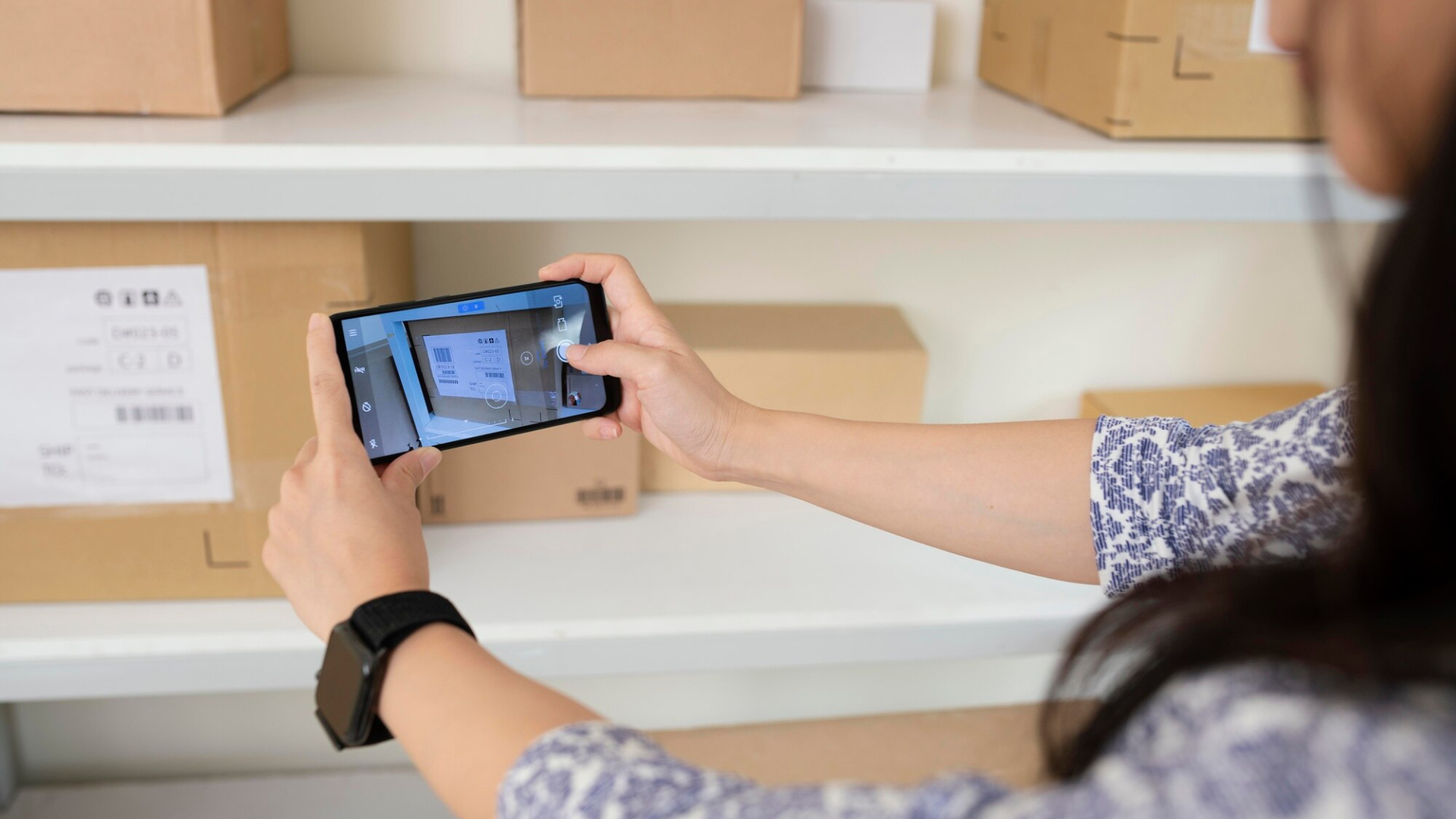
Open Camera
Driver taps the camera icon to capture a delivery photo or document image.
Take Photo
The device camera opens. Driver frames the shot and taps to capture.
Automatic Processing
The image is automatically optimised: resized to 1920×1920px maximum, compressed for efficient transmission, and EXIF metadata extracted.
Ready to Upload
The processed image is ready for immediate upload or can be saved to the device for later submission.
Core Capabilities
Back and front-facing camera support
Multiple image format support (JPEG, PNG)
Automatic image optimisation and resizing
EXIF metadata extraction (GPS, timestamp, orientation)
Gallery/photo library integration
Batch image upload support
Image preview and review before upload
Image compression with quality preservation
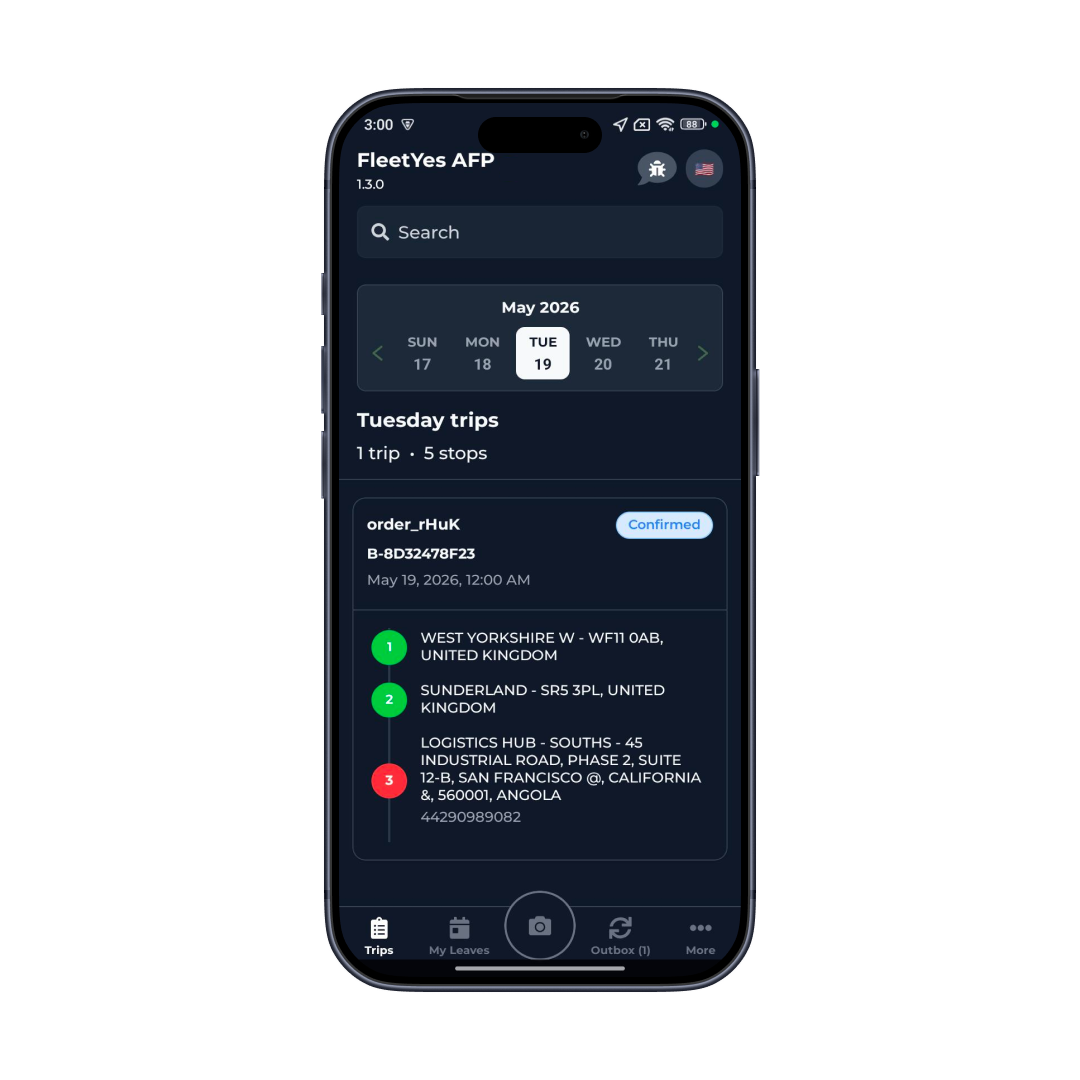
Image Processing
Native Camera Access: Use device camera with full control over quality, format, and capture options
Real-World Use Cases
Damage Documentation
Photograph package damage or customer issues with location and timestamp
Asset Documentation
Photograph vehicle damage, equipment issues, or facility conditions
Document Archival
Photograph documents and forms for compliance and record-keeping
Customer Communication
Photograph customer-specific issues or conditions for support team context
Route Documentation
Capture condition photos at delivery locations for audit purposes
Visual Evidence
Document exceptional situations or incidents with photographic evidence
A Delivery Photo Without Metadata Is Just a Picture, Not Proof
Image processing seems simple-take a photo, upload it. But the details matter enormously. Unoptimised images are huge (5-10MB), slow to upload, and blow through data plans. Automated processing reduces them to 200-400KB without visible quality loss.
EXIF metadata is the difference between a photo that proves something and a photo that's just evidence. A delivery photo with GPS coordinates and timestamp that matches the order assignment time is nearly irrefutable proof. A photo without that metadata is just a picture.
Handling both camera and gallery import is important. Sometimes drivers need to use existing photos. Supporting both paths makes the feature flexible without requiring multiple workflows.
Integration & Compatibility
iOS Camera Framework
Native iOS camera and gallery access
Android Camera & Gallery
Native Android image capture
Image Compression Libraries
Efficient JPEG and PNG compression
EXIF Processing
Metadata extraction and manipulation
File System Access
Secure local storage and caching
Cloud Upload
Integration with file upload services
Image Validation
Quality assurance and size checking
Batch Processing
Multiple image handling and sequencing
Eliminate Manual Data Entry From Photos
Receipt images, license photos, signatures—AI reads them all automatically. Save hours every week. Perfect accuracy. Zero typing errors.
Book a Demo